Choose a greenhouse climate controller by the equipment it must coordinate and the support available to commission it. Ventilation, heating, screens, lighting and irrigation interact. A useful comparison starts with an input/output schedule and an operating sequence, then examines how each supplier will deliver that sequence.
Define the installation before the computer
List the greenhouse compartments and the devices in each one. Record the air, light, CO2 and root-zone measurements that will inform control. Then list the outputs: vent motors, heating valves, fans, screen drives, irrigation valves, pumps and any other controlled loads. Include equipment feedback where you need to know whether the commanded action actually occurred.
Decide which functions must continue locally during an internet outage, which need remote access and which need an independent alarm path. A cloud dashboard, a control computer and an actuator interface perform different roles. The system proposal should identify every part rather than compress the installation into a single product name.
Five greenhouse controller platforms
These systems cover commercial protected cropping and configurable multi-zone control. None has one universal installed configuration. Compare proposals for the same compartments, sensor types, controlled loads, data access, training and support so that the quoted scope is meaningful.
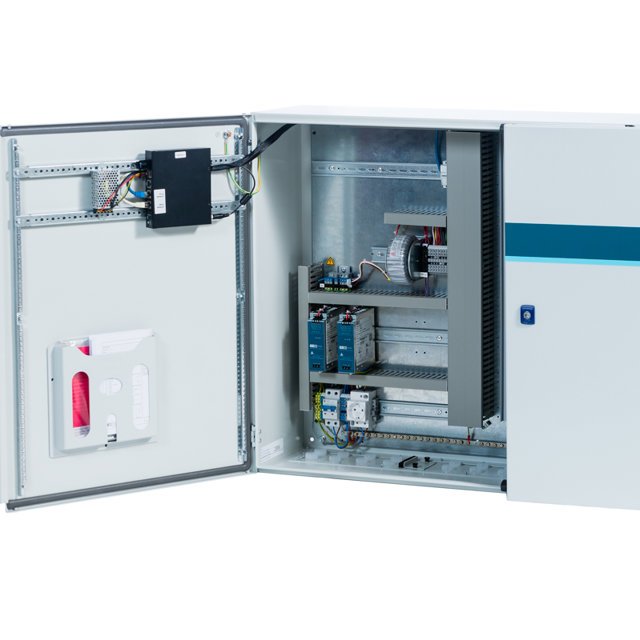
Configured Connext greenhouse process computer
Priva Connext
A process computer for linking greenhouse climate, irrigation and energy systems, with operator tools for managing the installation.
Identify installed hardware, software functions and digital-service scope before pricing.
View product details ↗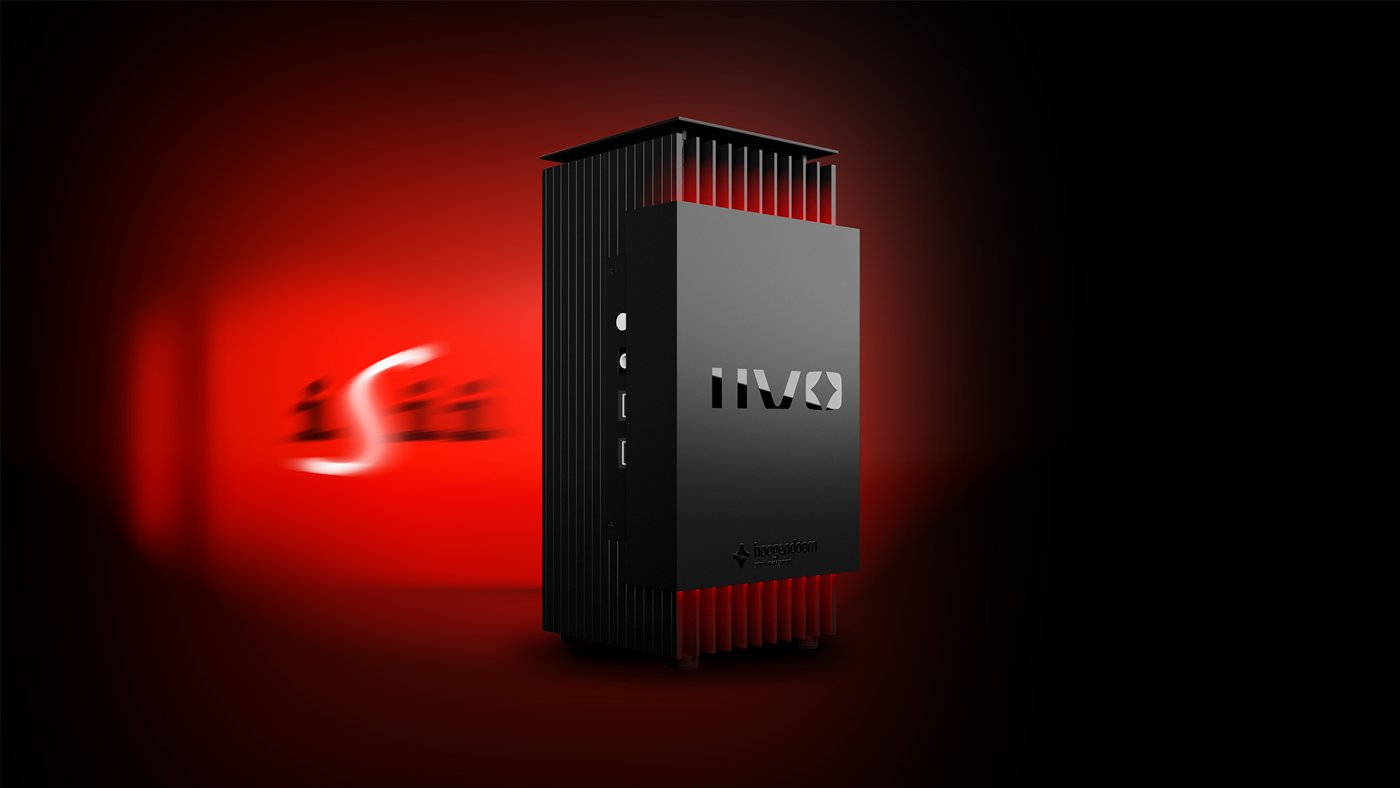
IIVO process computer; algorithms and integrations configured
Hoogendoorn IIVO
A greenhouse control platform combining sensors, control hardware, data records and algorithms for managing the growing environment.
Specify licensed functions and demonstrate each integration on the actual project.
View product details ↗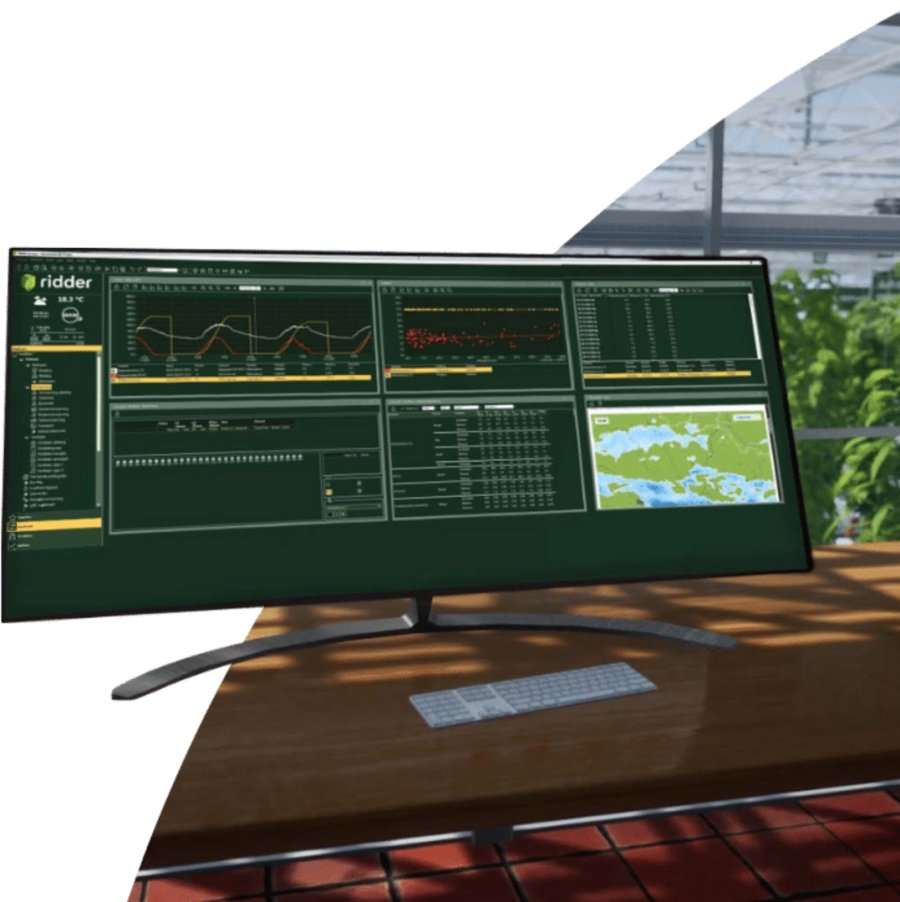
Hortimax Pro; Connected Control package affects services
Ridder Hortimax Pro
A modular greenhouse control platform with desktop and mobile access and configurable dashboards and calculations.
Historical storage, users and support differ between service packages.
View product details ↗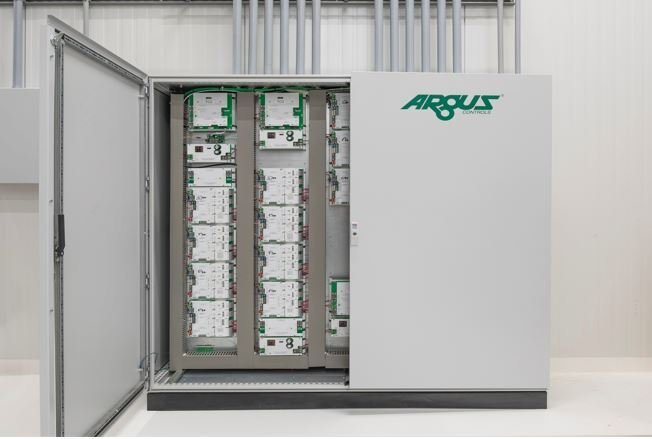
Custom-engineered TITAN facility-control installation
Argus TITAN
An integrated horticultural facility controller supporting sensor histories, alarms and engineered interfaces to controlled equipment.
Panel engineering, commissioning and ongoing support are major parts of the package.
View product details ↗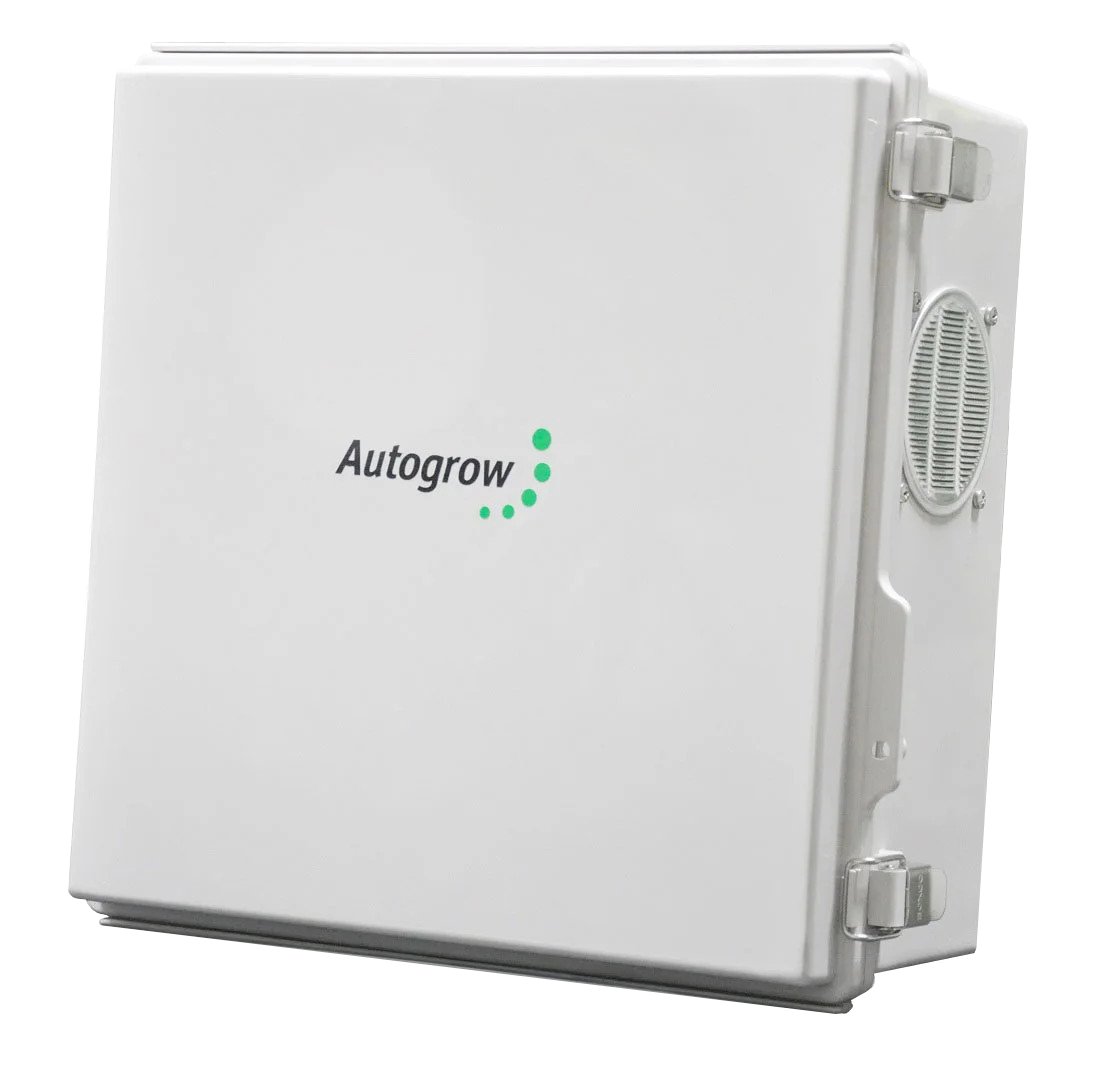
MultiGrow controller with project-specific modules
Autogrow MultiGrow
A multi-zone controller for climate equipment and several irrigation configurations, with local and remote operator access.
Confirm included sensors, output modules and access services for the actual installation.
View product details ↗| Model | Measurement / role | Data connection | Coverage / installation |
|---|---|---|---|
| Priva Connext | Climate, water and energy process control | Priva installation and configured digital services | Engineered greenhouse compartments and plant-room equipment |
| Hoogendoorn IIVO | Climate, CO2 and water management with sensor-based control | Configured sensors, control hardware and software | Engineered greenhouse climate and crop zones |
| Ridder Hortimax Pro | Greenhouse climate, water and energy control | Desktop control software and mobile app; configured integrations | Modular installation matched to greenhouse compartments |
| Argus TITAN | Climate, lighting, irrigation and fertigation control | Configured controllers, panels and operator system | Greenhouses, growth chambers and connected facility plant |
| Autogrow MultiGrow | Multi-zone climate, irrigation and fertigation control | Local touchscreen and remote access portal | Growrooms through larger protected-cropping installations |
Understand the feedback loop
A controller reads a measurement, compares it with a target and issues a command. The growing environment then responds, usually with a delay. The next measurement closes the loop. Commands may use on/off switching, staged equipment or a continuously adjusted output depending on the load and control method.
Heating and ventilation can oppose each other if priorities are poorly defined. Closing an energy screen changes light, temperature and moisture exchange. Irrigation affects the root zone while crop transpiration contributes moisture to the air. Coordinated control considers these connections instead of treating every target as an isolated instruction.
Setpoints are operator targets, not proof that the greenhouse achieved them. Review the measured conditions alongside output state and alarms. Distinguish a model prediction from a measured quantity in the operator views, especially when crop-oriented algorithms are part of the package.
Compare the complete proposals
Ask each supplier to show the same daily sequence: morning ventilation, a lighting transition, screen closure, irrigation and an abnormal sensor reading. Examine what the operator sees, what runs locally and what records are retained. Use the demonstration to reveal missing inputs or assumptions before panel construction.
Specify data history, users, exports and access permissions. Ridder's Connected Control brochure shows that these services differ between packages, so an app demonstration alone does not establish the included history or support. For every platform, request the ownership and export arrangements in the proposal.
Existing installations need a migration survey. Some sensors, cables, panels or drives may be reusable; others may require interface work. Avoid assuming that an integration statement covers every old sensor or every third-party device. Confirm the exact equipment, software version and responsibility for testing.
Commission outputs, alarms and recovery
Verify input scaling and units before activating automatic outputs. Confirm direction of travel and endpoint feedback for vents and screens. Check that electrical interfaces match the load and that independent equipment protections remain effective. Qualified installers should complete the electrical and mechanical work for the proposed control sequence.
Test loss of a sensor, loss of the operator connection and loss of power. Record the fallback state of each essential load and the route by which an operator receives an alarm. A local control function and remote notification can fail independently, so exercise both rather than infer reliability from a successful login.
Training should include finding a faulty measurement, distinguishing manual overrides from automatic operation and recovering after maintenance. Keep the commissioned configuration, panel schedule and support contacts available to the people who operate the house.
From separate controls to process computers
Thermostats and timers provided individual equipment control before integrated process computers connected climate, water and energy decisions. Current platforms add remote views, longer records and algorithms. Product generations still matter: Hoogendoorn stopped new iSii sales in January 2026 while continuing support for installed systems, directing new projects towards IIVO.
A change in product generation does not by itself settle an existing installation's upgrade decision. Assess hardware condition, available support and the functions needed for the next crop strategy. Compare a new platform with a clearly scoped extension to the present installation.
- Climate computer
- A controller coordinating measured inputs and greenhouse equipment.
- Actuator output
- The command sent to a valve, drive, relay or other controlled device.
- Interlock
- A condition preventing an action when another requirement is not satisfied.
- Commissioning
- Verification that the installed inputs, outputs and operating sequences behave as specified.
Questions about climate controllers
Is a sensor gateway enough to replace a climate computer?
It may provide useful logging or limited automation, but the complete equipment sequences, interfaces and protections still need to be implemented and commissioned. Match its documented control scope to the project.
Should I choose the platform with the most algorithms?
Choose the functions that support your crop and equipment, with understandable operator targets and support. Demonstrate how an algorithm changes commands under a representative condition.
Can a controller integrate every sensor with the same connector?
No. Physical connection is only one requirement. Check protocol, power, scaling, units and software support for the exact model.